
Lesson Plan Generator
REB-format lesson plans for Pre-primary to Senior 6, filled from the 2026-2027 schemes of work in minutes.
Stop copying. Start teaching.
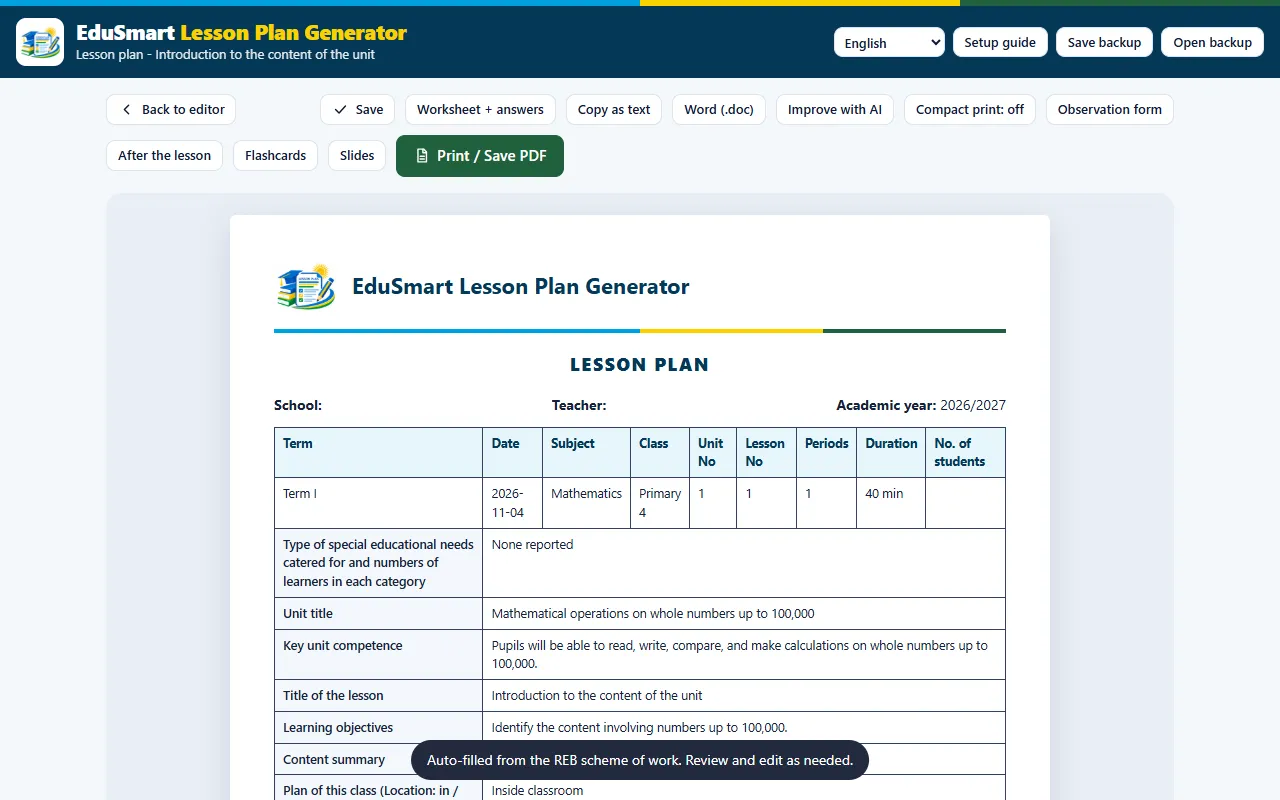
Pick a class, subject and unit and the Lesson Plan Generator fills the official REB lesson plan template for you from the scheme of work. You review it, change what you like, then print it or save it as PDF or Word.
- Free to open
- No sign up
- Works offline
- English, French, Kinyarwanda
- Installs like an app
 Lesson Plan Generator
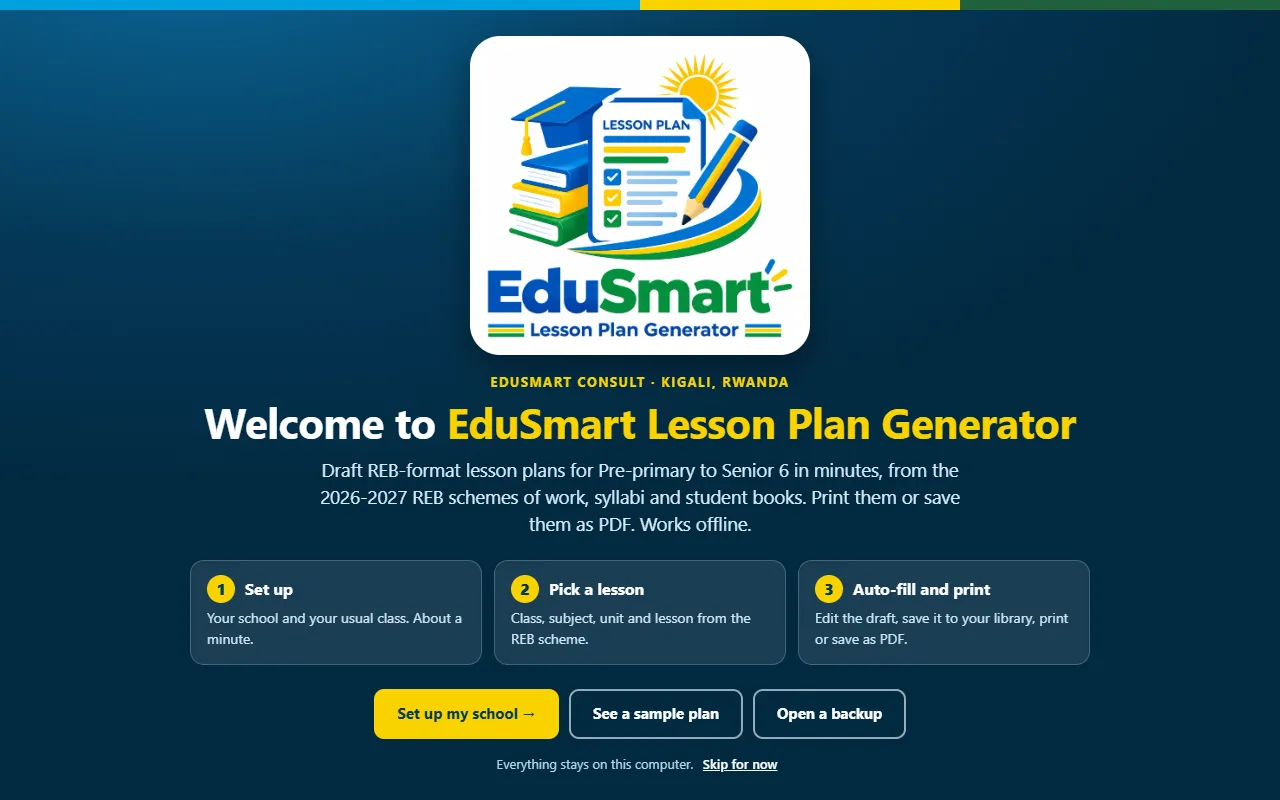
What it looks like
Real screens from the tool, filled with example data.
Lesson Plan Generator
Lesson Plan Generator
Made for Rwandan schools
Make REB-format lesson plans in minutes from the 2026-2027 schemes of work, for Pre-primary to Senior 6, in English, French and Kinyarwanda. Free, works offline.
Auto-filled from the scheme
Unit, key competence, objectives and learning activities are filled from the REB 2026-2027 schemes of work and student books.
Three languages
Write and print plans in English, French or Kinyarwanda.
Print, PDF or Word
Print, save as PDF, export to Word or copy as text, ready for your head teacher.
Worksheets and flashcards
Make a worksheet with answers, flashcards and slides for the same lesson.
Week planner
See the week at a glance, print it, or export your lesson list to a spreadsheet.
Your plans stay yours
Mark favourites, keep a record of work and a scheme of work, and back up your plans in one tap.
From start to print in a few steps
- Set up your schoolEnter the school name and teacher once. The tool remembers it.
- Choose the lessonPick the class, subject, term and unit from the REB scheme.
- Review and editEverything is filled in. Change any part to fit your learners.
- Print or sharePrint it, save as PDF or Word, or copy it as text.
Useful for
- Teachers from Pre-primary to Senior 6
- Head teachers and directors of studies who check plans
- Student teachers on school practice
- Schools that want consistent REB-format plans
Use it like an app, with no store
Open it once with internet. After that it also works with no connection.
On an Android phone
Open the tool in Chrome, tap the menu (three dots) and choose Install app or Add to Home screen.
On a laptop or computer
Open the tool in Chrome or Edge and click the small install icon at the right end of the address bar.
Private by design
Nothing is sent to us. Your school details and work stay on your device. Use Save backup to keep a copy and Open backup to move to another device.
Good to know
Does it follow the REB template?
Yes. Plans use the official REB lesson plan layout and are filled from the REB 2026-2027 schemes of work, syllabi and student books. Always read and adjust the plan before you teach.
Do I need internet?
Only for the first visit. After that the tool is saved on your device and works with no connection.
Where are my plans saved?
On your own device, in your browser. Use Save backup to keep a copy and Open backup to move to another device.
Is it free?
Yes, you can open and use it for free. Contact us if your school would like training or a version built into the Smart School App.
Is it part of the Smart School App?
The same generator is built into the Smart School App for Windows and Android, together with books, exams, timetables and reports.
We can train your teachers
Ask for a short training for your school, or tell us what else you would like the tool to do.
