
Lesson Plans
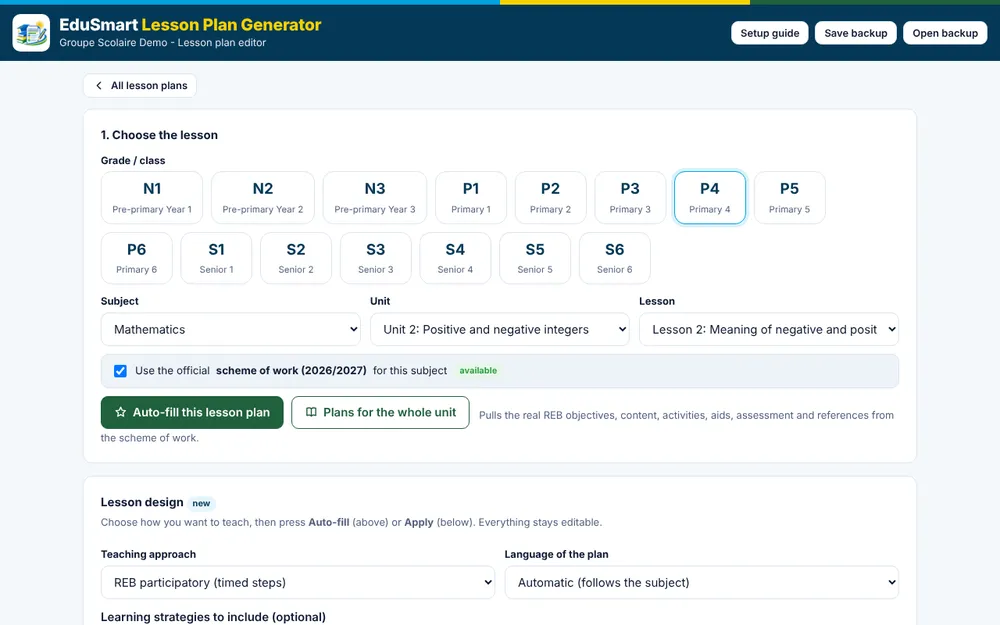
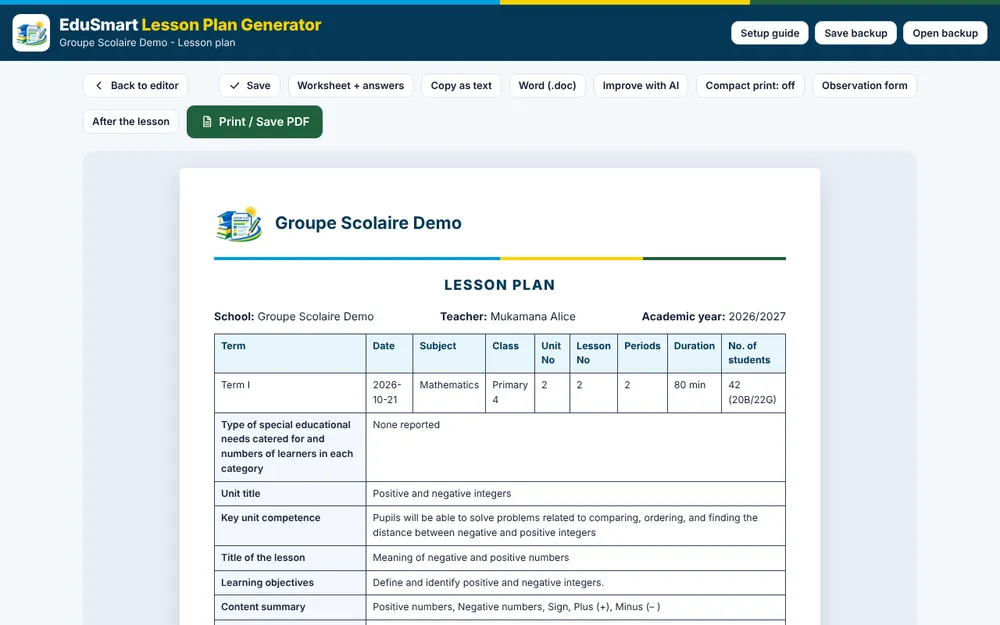
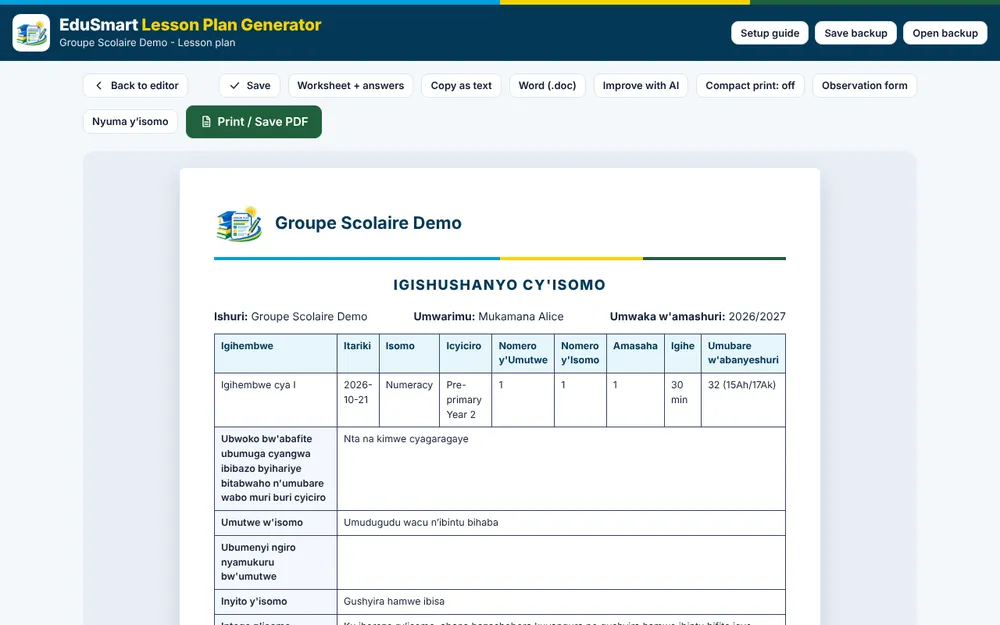
A lesson plan generator built on the REB 2026-2027 schemes of work. Pick a class, subject and lesson and get a plan in the official REB template in minutes, from pre-primary to Senior 6.
What you can do
Real REB content
Objectives, content, activities, teaching aids, assessment and references come from the REB 2026-27 schemes of work and syllabi, with student book pages where the book is linked.
Plans for a whole unit
Generate every lesson of a unit in one go. Dates follow the school calendar and skip weekends, public holidays and the breaks between terms.
Teaching approaches
Choose the REB participatory steps, play-based learning for pre-primary, inquiry, 5E and more. The timed steps always add up to the lesson length.
Checked against REB criteria
A score against REB's model lesson template shows what to improve: objective, competences, activities and assessment.
Exit tickets and worksheets
Questions with answers, homework and worksheets drafted from the lesson, with the student book section to practise from.
Observation form and record of work
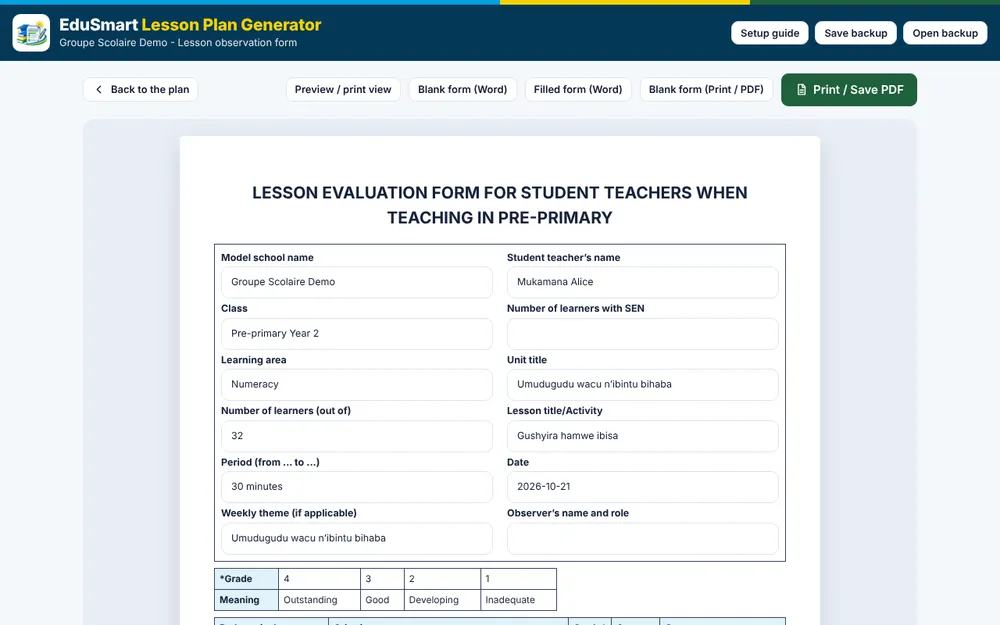
Print or download the REB lesson observation form, write an after-lesson evaluation, and keep a record of work you can print or export to Excel.
REB lesson plan generator
- Set up. Enter your school and your usual class. It takes about a minute.
- Pick a lesson. Choose the class, subject, unit and lesson from the REB scheme of work.
- Auto-fill and print. Edit the draft, save it to your library, then print, save as PDF or download as Word.
Lesson Plans
It runs in any modern browser on a phone, tablet or computer. After the first visit it works offline, and you can install it from the browser menu like an app. Your school name, plans and settings are saved in your browser on your own device. Use Save backup to keep a file copy. Plans are drafts built from REB documents: the teacher reviews and edits them. This is not an official REB publication.
Do I need an account?
No. Everything works on your own device without an account.
Does it use AI?
No. It builds plans by fixed rules from REB documents. The optional "Improve with AI" button only prepares a text you can paste into an AI tool yourself.
Which classes and subjects are covered?
Pre-primary Years 1 to 3, Primary 1 to 6 and Senior 1 to 6, with the subjects in the REB schemes of work and syllabi.
Can my school get a Windows installer?
Yes. Ask us and we will prepare it for your computers.
Is it an official REB tool?
No. EduSmart Consult built it from published REB documents. Always check plans against the latest REB guidance.
Want it for your school?
We can set it up for your school, train your teachers and prepare a Windows installer for your computers.